Retro Game Box

I final got my retro game box up and running with Betocera. It is an emulator image file you can install on any supported hardware. Also got an 8bitdo controller that is nicer then my Logitech ones. I started playing some of the games I downloaded of the Internet Archive.

The biggest problem is some game systems aren’t running because I don’t have the BIOS files.  I downloaded them from Internet Archive and installed them on my device but I still get the error and doesn’t load the ROM.  Some do work like Nintendo and enjoying playing Super Metroid.
Batocera – The Retro Arcade OS

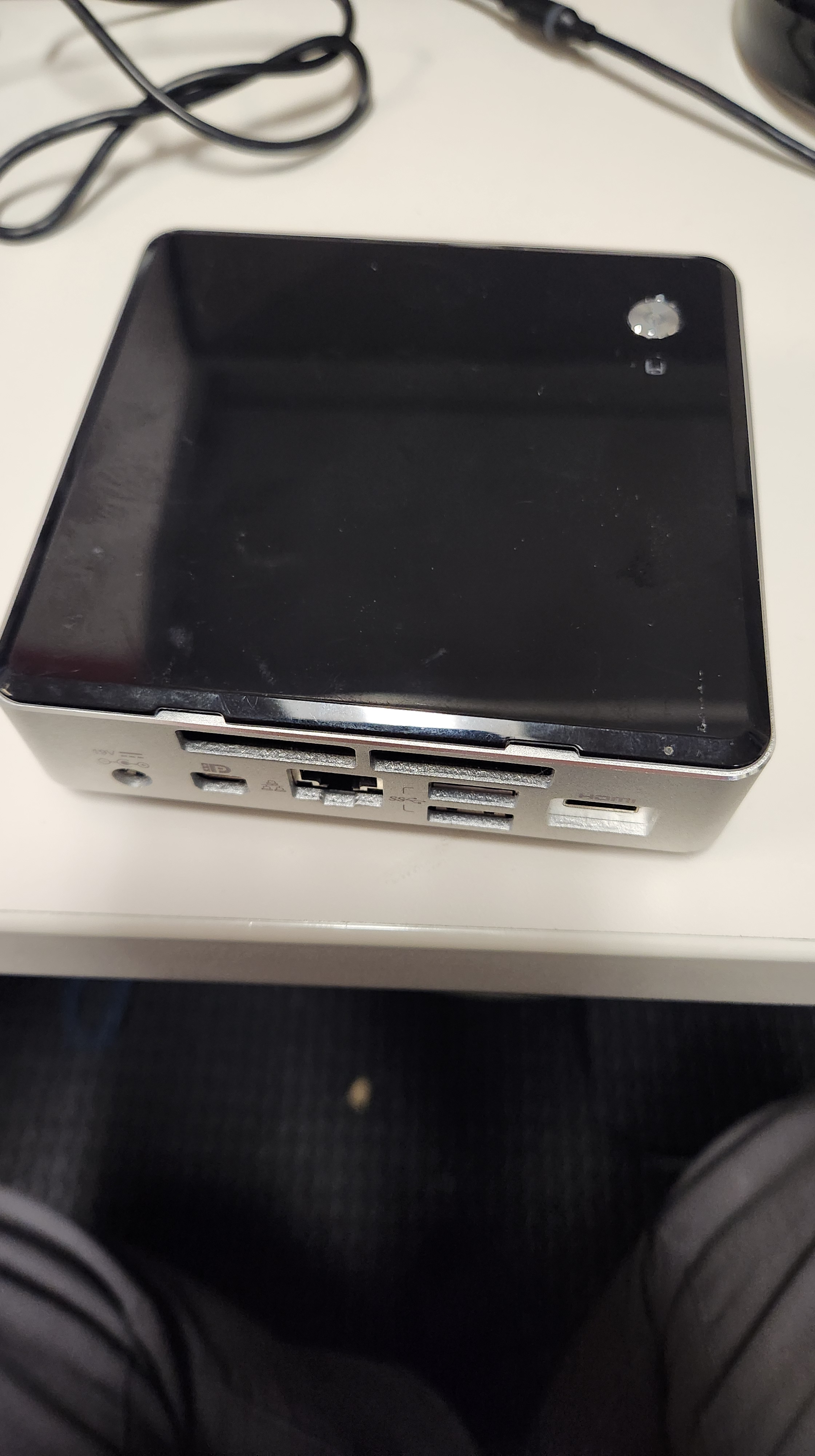
I have a mini-PC that my workplace isn’t using so I grabbed it and brought it home. With this home labbing I have been getting into I thought about having a retro video game box. Most people get a Raspberry Pi and install RetroPie on it. The limitations is the micro SD card that the RPi boots off of. I have a mini-PC that uses an M.2 SSD drive to boot the OS off it. So I chose that to host my retro video game box.

It only has a 250 GB SSD so I ordered a 512 GB SSD. As for the OS I found on called Batocera and it is designed to be for retro video game machines. So instead of installing Ubuntu and RetroPie it will boot up right to the Gamestation interface. Flashed that to a thumb drive and it isn’t installed because I am waiting for the new SSD. As for ROMS I am going to get them from The Internet Archive.